Upload files
Upload PDF, DOCX, TXT, and MD
aurochat gives you the tools to create, train, test, customize, embed, and improve an assistant that answers from your business knowledge.
Choose a name, business goal, tone, and default behavior.
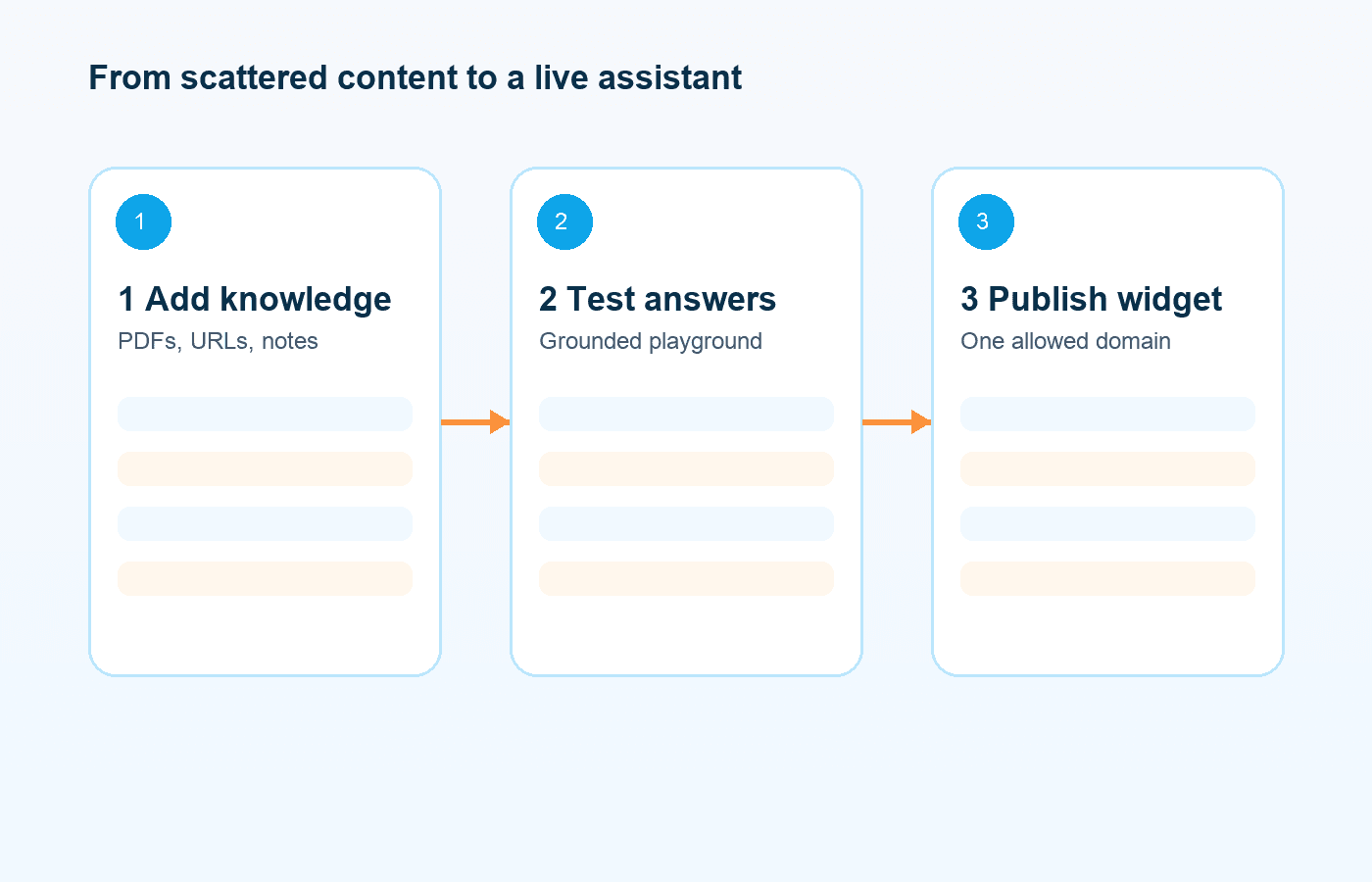
Upload files, add a URL, or paste text manually.
Sources move through clear processing states until they are ready.
Ask real questions before your visitors do.
Match the assistant to your brand and website layout.
Copy the script and install it on an allowed domain.
See leads, feedback, fallback events, and unanswered questions.
aurochat is designed for controlled business answers. You decide which documents, pages, and notes the assistant can use.
Upload PDF, DOCX, TXT, and MD
Add one public URL at a time
Paste text manually
See processing status
Retry failed sources
Replace or reindex sources
Delete sources when they are outdated
The playground uses the same answer pipeline as the website widget, so you can test real behavior before publishing.
Customize the assistant name, avatar, welcome message, quick replies, colors, and position. Then install it with a script.
<script
  async
  src="https://YOUR_APP_URL/widget.js"
  data-agent-id="PUBLIC_AGENT_ID">
</script>
The actual script URL is generated from your configured app URL.
If the assistant cannot find an answer or a visitor asks for a person, aurochat can show a contact form and save the conversation for follow-up.
Review unanswered questions and add approved answers manually. Automatic learning from operator corrections is planned for Pro and marked as Coming soon.
Start with your business knowledge and test the assistant before visitors see it.